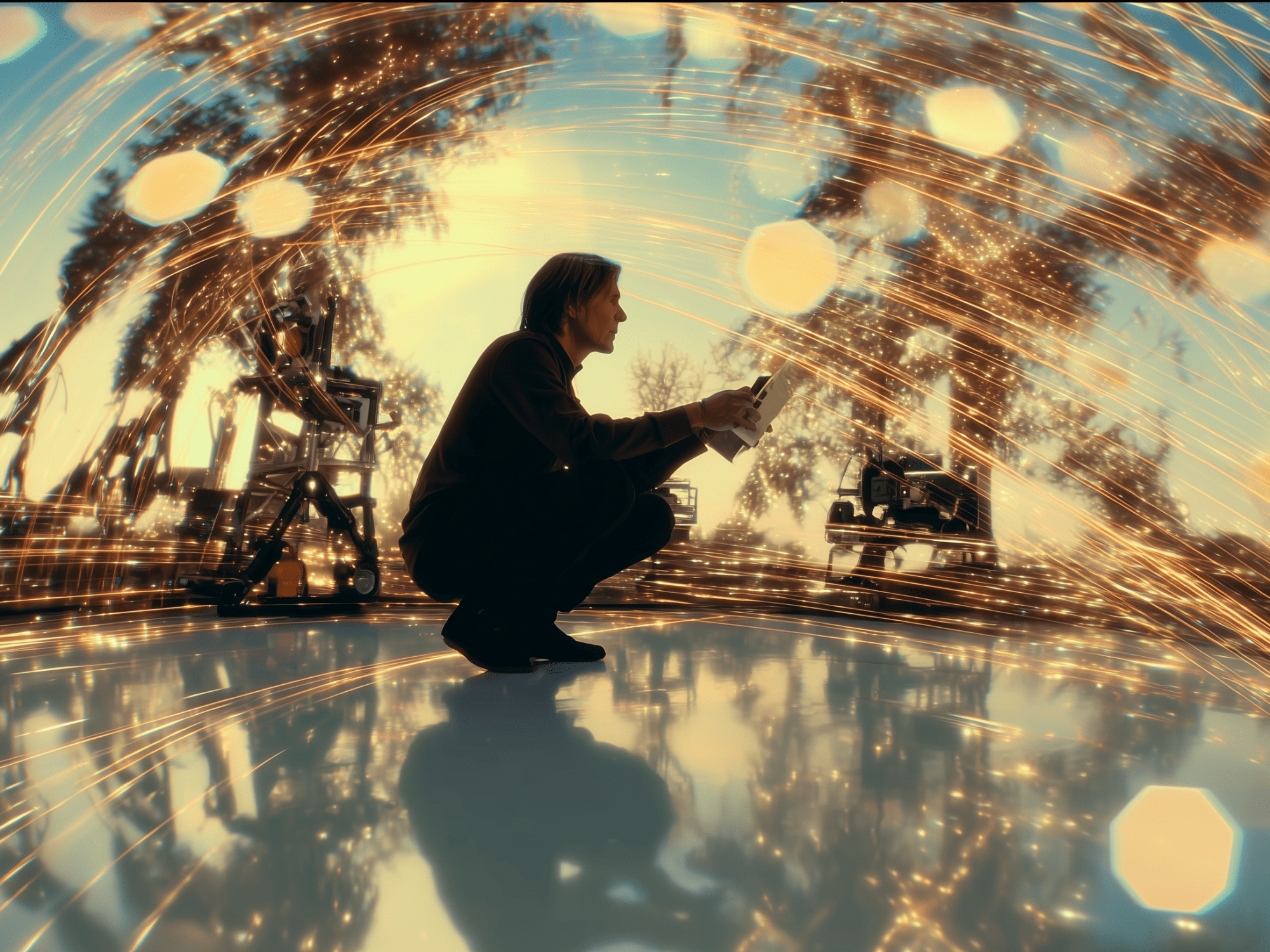
Three months ago, I was staring at a perfectly rendered AI-generated scene of a bustling medieval marketplace. The lighting was flawless, the characters moved naturally, and every detail screamed authenticity. There was just one problem—it felt like watching the world through a security camera.
That’s when I discovered the game-changing world of camera movement simulation in AI video generation, and it completely transformed how I approach AI filmmaking.
The Awakening: When Static Becomes Cinematic
Picture this: You’ve spent hours crafting the perfect prompt for your AI video generator. The output is stunning—until you realize your epic battle scene has all the dynamism of a painted portrait. The dragons soar majestically, but your “camera” remains frozen in place like a tourist taking their first vacation photo.
This was my reality until I stumbled upon camera movement simulation techniques that breathe life into AI-generated footage. What I learned didn’t just improve my videos—it revolutionized my entire approach to AI filmmaking.
The Technical Magic Behind the Movement
Camera movement simulation in AI video works by incorporating motion parameters directly into the generation process. Unlike traditional post-production camera moves, AI systems can now simulate complex camera behaviors during the actual video creation phase.
The breakthrough came when developers realized they could train AI models to understand cinematic language—not just visual elements, but the grammar of camera movement itself. Modern AI video generators like Runway ML, Pika Labs, and Stable Video Diffusion now respond to motion prompts with remarkable precision.
Key Camera Movements You Can Simulate:
Push-in/Pull-out: Creates emotional intensity by moving toward or away from subjects
- Prompt example: “Slow push-in on character’s face, shallow depth of field, dramatic lighting”
Tracking Shots: Follows subjects laterally, perfect for action sequences
- Prompt example: “Smooth tracking shot following running figure through forest, handheld camera feel”
Crane/Jib Movements: Adds production value with sweeping vertical motion
- Prompt example: “High crane shot descending to street level, revealing bustling city scene”
Dolly Zoom: The “Vertigo effect” that creates psychological tension
- Prompt example: “Dolly zoom on character in doorway, background stretches, unsettling mood”
The Storytelling Revolution
Here’s where it gets exciting: AI camera movement isn’t just about technical prowess—it’s about storytelling. Each movement carries emotional weight and narrative purpose.
I recently created a short film about memory loss using AI-generated footage. By simulating unsteady, searching camera movements during confusion scenes and smooth, locked-off shots during moments of clarity, the camera itself became a character telling the story.
Emotional Impact Through Movement:
- Handheld simulation creates intimacy and realism
- Smooth gimbal movements suggest omniscience or dreams
- Quick whip pans build tension and urgency
- Slow zooms draw viewers into emotional moments
- Dutch angles (tilted camera) convey unease or chaos
Advanced Techniques: Combining Multiple Movements
The real magic happens when you layer different camera movements within a single AI generation. Modern tools allow you to specify complex motion paths:
“Begin with wide establishing shot, slowly push in while panning left to follow character, end with medium close-up, slight handheld shake for realism, 24fps cinematic motion blur“
This level of control transforms AI video from a novelty into a legitimate filmmaking tool.
The Workflow: From Concept to Cinematic Reality
My current workflow for incorporating camera movement simulation involves:
- Story Planning: Determining the emotional arc and how camera movement supports it
- Shot Listing: Mapping specific movements to narrative beats
- Prompt Engineering: Crafting detailed motion descriptions alongside visual elements
- Iterative Refinement: Testing and adjusting movement parameters
- Post-Integration: Combining AI-generated footage with traditional editing techniques
The Challenges and Solutions
Not everything is perfect in AI camera movement land. Current limitations include:
Temporal Consistency: Sometimes movements feel disconnected between frames
- Solution: Use shorter clips and careful prompt engineering
Motion Artifacts: Unrealistic acceleration or deceleration
- Solution: Specify timing and easing in prompts (“smooth acceleration,” “gradual deceleration”)
Complex Movements: Multi-axis movements can confuse AI models
- Solution: Break complex moves into simpler, sequential motions
The Future is Moving
The rapid advancement in AI camera movement simulation suggests we’re approaching a future where the line between AI-generated and traditionally filmed content becomes increasingly blurred. New models are incorporating:
- Physics-based movement that respects real-world camera limitations
- Style-specific motion that mimics famous directors’ signature moves
- Interactive movement that responds to scene dynamics in real-time
Practical Tips for Better Results
Through countless experiments, I’ve discovered several techniques that consistently produce better camera movement:
- Be specific about timing: “3-second slow zoom” works better than “slow zoom”
- Reference real equipment: “Steadicam-style movement” gives better results than “smooth movement”
- Consider the physics: AI responds well to realistic movement descriptions
- Layer your prompts: Combine movement with lighting and mood for cohesive results
The Creative Breakthrough
The most profound realization in my AI filmmaking journey came when I stopped thinking of camera movement simulation as a technical feature and started seeing it as a creative collaborator. The AI doesn’t just execute camera moves—it interprets them through its understanding of cinematic language.
This shift in perspective opened up possibilities I never considered. Instead of fighting the AI’s interpretation, I began embracing its unique approach to movement, leading to shots that felt both familiar and surprisingly fresh.
Looking Forward: The Cinematic Renaissance
We’re witnessing the early stages of a cinematic renaissance powered by AI. Camera movement simulation is just one piece of a larger puzzle that’s democratizing filmmaking in unprecedented ways. Independent creators now have access to camera techniques that once required expensive equipment and large crews.
The medieval marketplace scene I mentioned at the beginning? I revisited it last week with everything I’ve learned about AI camera movement simulation. The result wasn’t just better—it was transformative. A simple tracking shot that revealed the marketplace gradually, combined with a subtle push-in on a merchant’s weathered hands, turned a static scene into a moment of cinematic poetry.
The Bottom Line
Camera movement simulation in AI video isn’t just about making things look more professional—it’s about unlocking the emotional and narrative potential that lies dormant in static footage. As these tools continue to evolve, we’re not just creating better videos; we’re redefining what’s possible in digital storytelling.
The camera may be virtual, but the emotions it captures are undeniably real. And that’s the true magic of AI filmmaking in 2025.
Ready to start your own journey with AI camera movement? Begin with simple movements, focus on the story you want to tell, and remember—the best camera movement is the one that serves your narrative, not your ego.
 AI Film Studio